Cleaning Data
An extensive process of data cleaning was necessary to render the Garrison Records dataset usable. The original format of the provided dataset was all but easy to work with: XML embedded in Excel. Thus, I first exported the data on a separtae tsv file because Excel has its own encoding that poses difficulties when manipulated through programming languages other than its own software.
To provide a sense of how the original data looked, here is one of the files from the raw dataset:
As shown above, this data structure was not only aesthetically revolting but also difficult to work with. Thus, a script was written to clean the data and create more flexibility and potential for furture data manipulation.
The script was designed to perform two main functions:
- Remove all XML tags for the main entry, remove unnecessary debris of encoding, and put them in a TSV file with the following column layout: | id | original raw data | cleaned data |.
- Save the original XML data as well as the cleaned content. This was a crucial step for extracting the tagged elements during the parsing process.
The script is as follows:
The result of this script was the following:
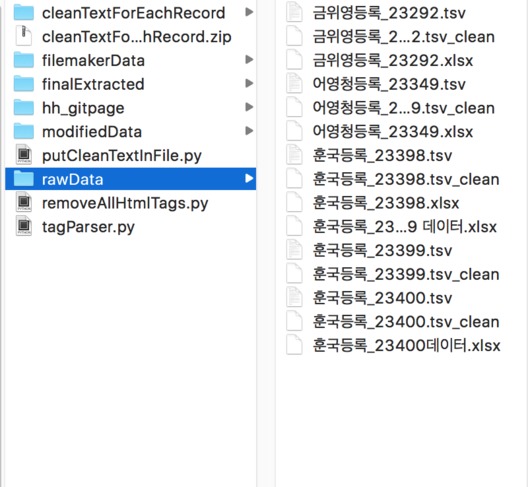
What this script achieved was essentially the following: put all the raw data in a single directory, have a script iterate through each file in the directory I specified (/rawData), then store the resulting data back into another file named <originalName>_combined.tsv in another directory (/modifiedData).