Database Schema
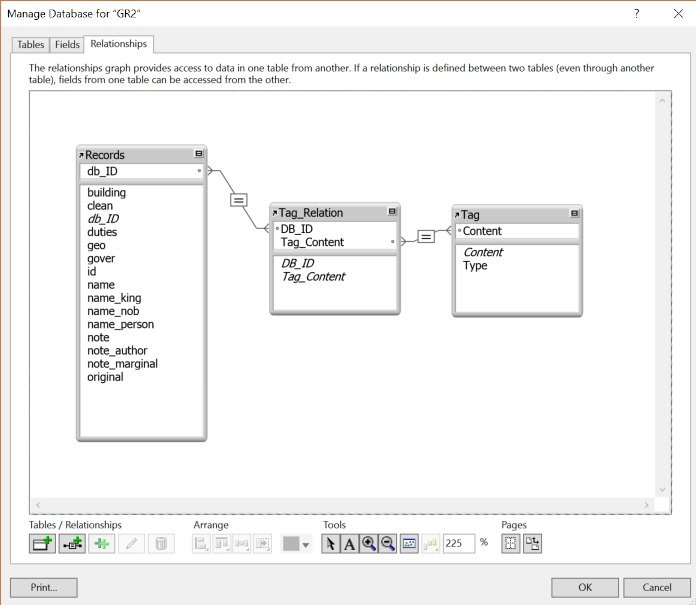
The relational database was created by reorganizing the tagged data into three tables and joining their shared components.
The first table, titled "Records," contains basic information such as entry title and text as well as each tagged content, all matched with a primary key designated as "DB_ID". The second table, titled "Tag," contains two data columns for the tagged content and type. The third table, titled "Tag_Relation," is the join table between the first two, containing the primary key "DB_ID" and the tagged content.
In the next several paragraphs, I'll show the detailed structure of each table while providing the rationale for the overall database schema.
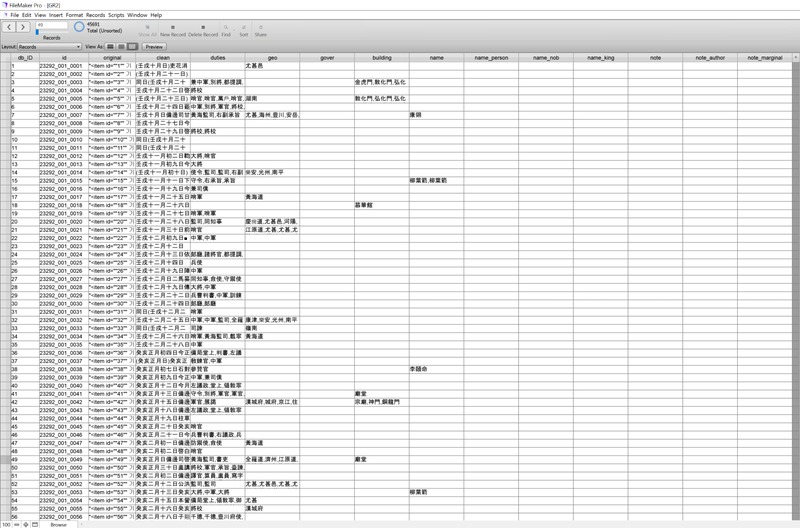
The first table was created to serve as the nexus of all current and future data tables. This main table thus holds the primary key "DB_ID" as well as the original key that came from the Jangseogak Archives archive. The former was created to for convenience as the original key provided by the archive was a string (i.e., "23292_001_0001") and thus more unwieldy to manipulate. However, this original key was still preserved in case that future collaboration will update this dataset and a reference was needed to automate this process. The following is a snapshot of the current "Records" table.
The second table was created to serve as the repository of all unique tag elements. Rather than creating a table for each type of tag, it made more sense to create a "Tag" table to contain all the different types of tags. This decision was made considering the queries and storage relative to the scaling of the dataset. The design may also prove useful in the future should I decide to update existing tags or add more tag types.
Currently, the "Tag" table contains two columns: "Content" and "Type". The former is the actual tagged element such as "哨官" or platoon leader, and the latter shows the respective tag types such as "duty".
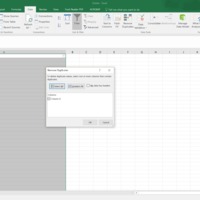
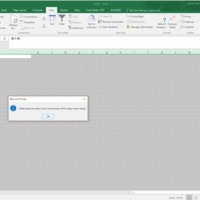
The process of creating this table involved Regex Replacement (see Creating Compatible Files) as well as the Excel function "Remove Duplicates."
These steps were necessary to produce a list of unique tags. For instance, for one of the tag types - duty, as many as 118206 duplicate values were removed, and a final list of 4918 unique values were produced.
After coming up with the list, I saved the file in Excel as a CSV file and imported into the FileMaker Pro database.
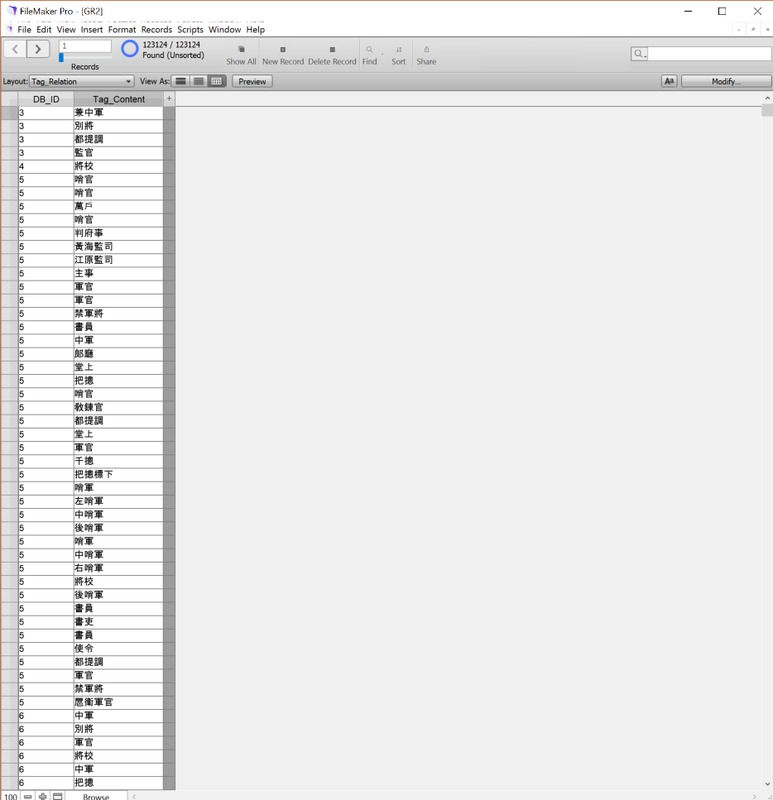
Finally, the third table was created to join the "Records" table and the "Tag" table. This join table consists of two data columns: "DB_ID" and "Tag_Content". The former is the primary key that links this table to the
"Records" table, and the latter contains the same tagged elements in the "Tag" table.
Currently, only with one of the tag types - duty, the number of connections in this join table are as many as 123,124.
With these three tables, the following relationships were established.